How to Rank in AI Overviews: A Step-by-Step Guide

Fabio Bergmann
Ranking in AI Overviews means getting a page cited as a supporting link inside Google's AI-generated summaries. Google sets no separate requirements. The page must be indexed, snippet-eligible, and built on classic SEO fundamentals, then written as helpful, clearly structured, people-first content. Citation is a separate outcome from rank, so track it separately.
By Fabio Bergmann, Founder of Sightkick
What you need before you start
AI Overview readiness starts with the same baseline as classic Search: a crawlable page, Search Console access, and content worth retrieving. Google runs AI Overviews on its core ranking and quality systems, not a separate algorithm. There is no AI-only checklist to buy or install. Verify the baseline before touching content.
Google states its generative features are rooted in core Search ranking and quality systems. Rankings are not for sale, and appearing in Search costs nothing.
Most guides mix Google's official requirements with third-party correlations. The table below separates them.
| Factor | Google's stated position | Status |
|---|---|---|
| AI-specific optimization | No additional requirements beyond SEO best practices | Not required |
| Structured data | Not required for generative AI search | Optional |
| Payment | No money required to appear | Not possible |
| Important content in text form | Recommended | Best practice |
| Helpful, people-first content | Recommended focus | Best practice |
Sources: Google AI features guidance, Google AI optimization guide, Google Search Essentials
Step 1: Confirm the page is indexed and snippet-eligible
Indexing and snippet eligibility come before any optimization. Google says a page must be indexed and snippet-eligible in classic Search to act as a supporting link in AI Overviews or AI Mode. Pages that fail this check cannot be cited, however strong the content is.
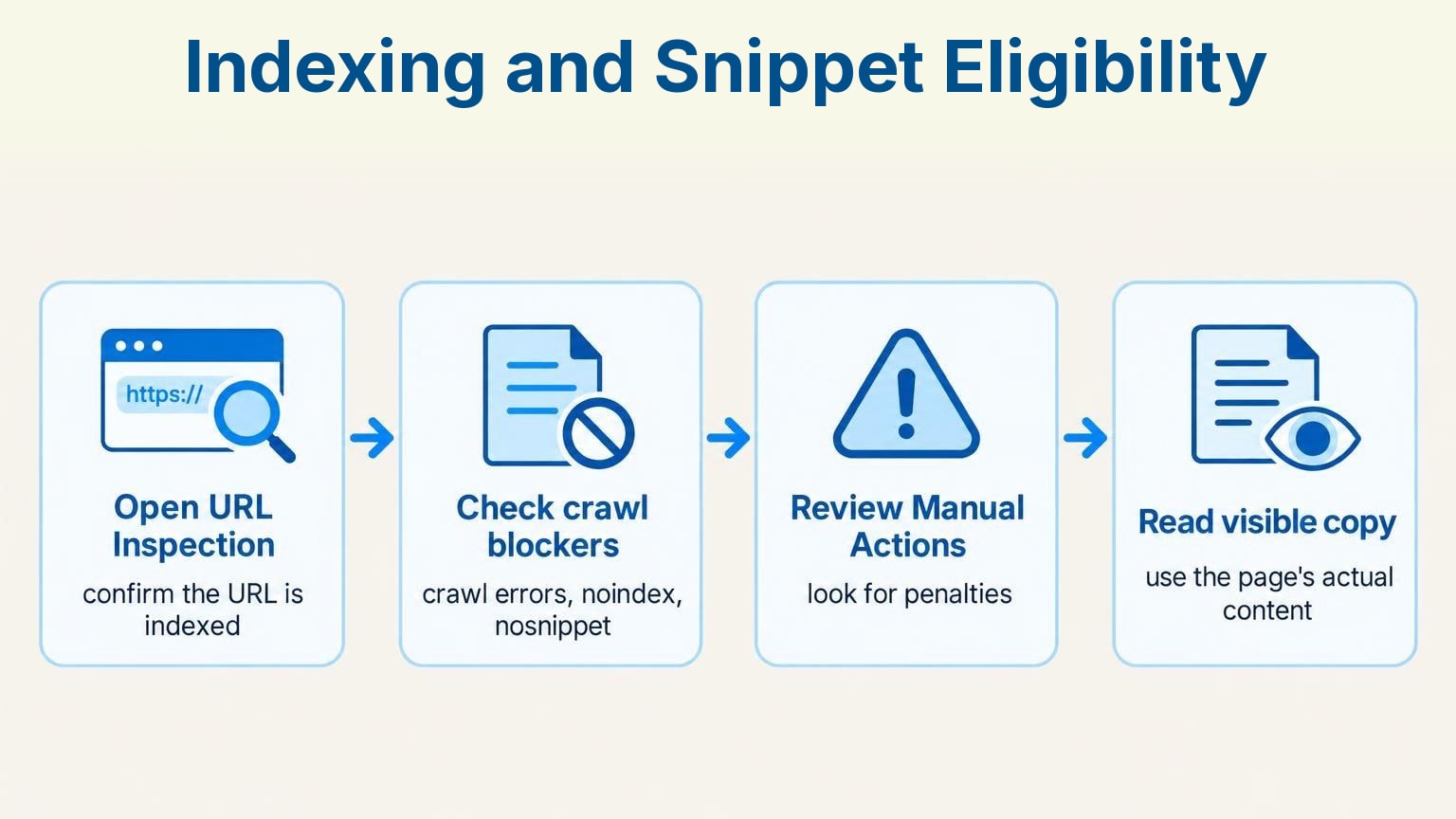
Process infographic: Indexing and Snippet Eligibility — Open URL Inspection, Check crawl blockers, Review Manual Actions, Read visible copy
Run the check in this order:
- Open Search Console's URL Inspection tool and confirm the URL is indexed.
- Check for crawl errors, noindex tags, or snippet-blocking directives such as
nosnippet. - Review Manual Actions for penalties affecting the page.
- Read the visible copy. Google sources snippets from the page's actual content, so you control the words it can use. Thin or vague text gives it little to extract.
Step 2: Write people-first content Google's systems can retrieve
People-first content that Google can retrieve is useful, current, and original rather than keyword-dense. Google's generative features use retrieval-augmented generation, also called grounding, to pull relevant, up-to-date pages from the Search index. A page wins retrieval by answering the query better than the commodity pages around it.
Google's May 2025 guidance asks for unique, non-commodity content that meets visitor needs. A post that rephrases the top five results adds nothing to retrieve. Include first-party data, specific procedures, and clear answers competitors don't have.
Skip forced exact-match phrasing. Google's language-matching systems can tell how a page relates to a query even when the exact terms never appear. Natural writing is enough.
Step 3: Structure content the way AI Overviews prefer to extract it
AI Overview-friendly structure means clear sections, descriptive headings, and search-matched wording in the title and main heading. Google recommends paragraphs and sections under headings that give readers a clear path, plus relevant images and video where they support the text. Search Essentials counts these among its highest-impact practices.
Search Essentials says core practices have the most impact on ranking and appearance. To restructure an existing post:
- Put the words people search for in the title and H1.
- Split long blocks into sections under descriptive H2s and H3s.
- Open each section with a direct answer, then support it.
- Add original images or video only where they clarify the text.
- Move key information out of images and into text.
Step 4: Add schema markup correctly, without overinvesting in it
Schema markup is optional for AI Overviews. Google says no special schema.org markup is needed to appear in AI Overviews or AI Mode, and calls overfocusing on structured data unnecessary. If you already use schema, one rule matters: markup has to match the visible text on the page.
Validate existing markup with Google's Rich Results Test, remove fields describing content the page doesn't show, and stop there. Schema describes what is already on the page. It won't substitute for content that isn't there.
Step 5: Separate 'appearing in AI Overviews' from 'ranking #1'
Appearing in AI Overviews and ranking #1 are separate outcomes. A top organic position does not guarantee a citation, and a citation does not require the top position. Google says AI Overviews and AI Mode can use different models and techniques, so the links they show vary from classic rankings.
Google also says AI Overviews pull from a wider range of sources than the top of the results page. Pages below the top spots get cited. The top result gets passed over.
That wider source pool is the angle most guides miss. Your own URL is one citation path. The third-party pages AI already cites for your query are a second. Classify those sources as UGC, Editorial, owned, or Competitor, and a mention on a trusted Editorial or UGC page becomes a second route into the answer.
AI Overviews also appear only when additive to classic Search, so many queries never trigger one. Track organic position and AI citation as two metrics per query. For a method, see our guide to monitoring AI Overview results.
Step 6: Measure results with 2026 reporting, not old CTR assumptions
AI Overview performance needs current data, not 2025 assumptions. Pew Research Center found users clicked a traditional result on 8% of visits with an AI summary versus 15% without one in March 2025. Seer's 2026 update shows organic CTR on AI Overview queries rising from 1.3% in December 2025 to 2.4% in February 2026.
The Pew study set the baseline. Seer's 1.1-percentage-point gain suggests click suppression is easing. It has not disappeared.
- Segment Search Console performance data by query groups that trigger AI Overviews.
- Trend CTR monthly. A single report misleads while trigger rates keep moving.
- Pair Google data with citation tracking across ChatGPT, Gemini, and Perplexity. Our brand monitoring setup guide covers the workflow.
Sightkick: tracking AI Overview visibility across models
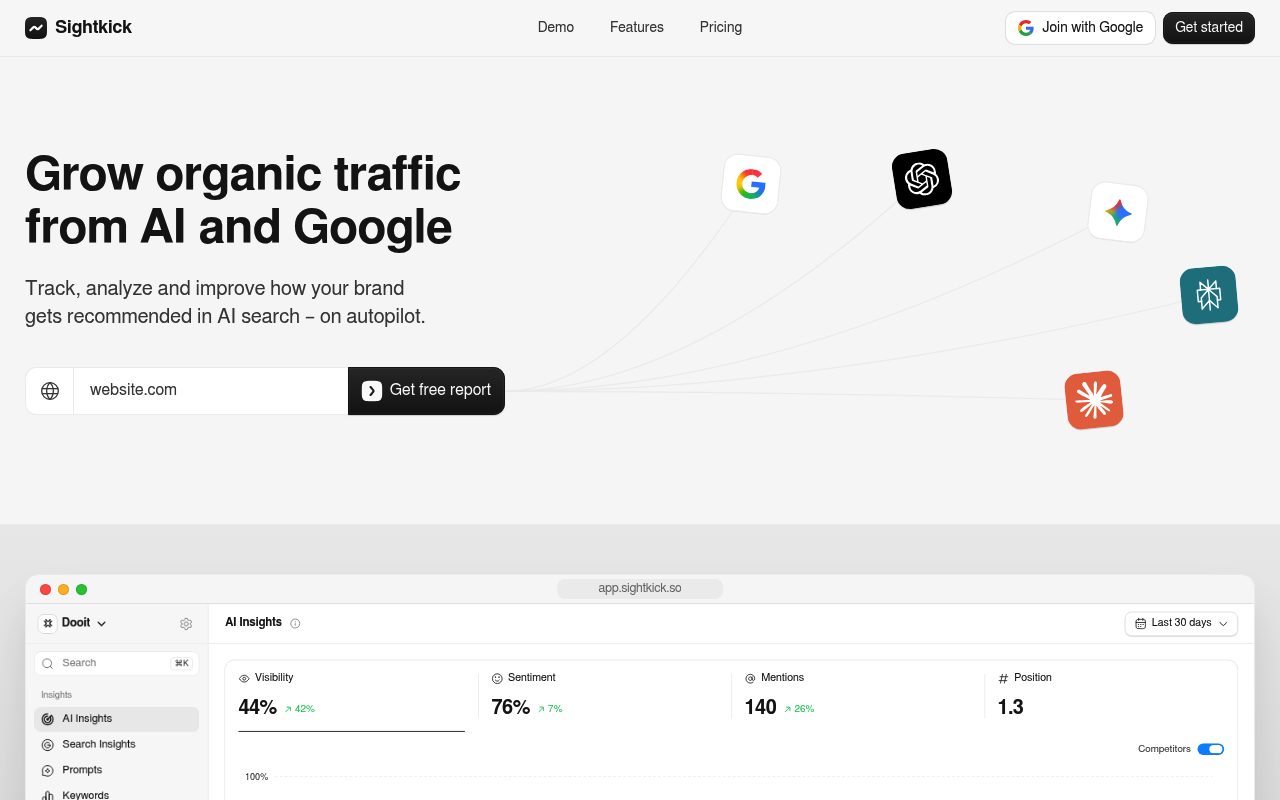
Screenshot: Sightkick homepage, September 2026.
Sightkick automates the ongoing measurement Step 6 requires and the source targeting Step 5 describes. It runs prompts across 4 AI models daily, records which brands get recommended, and classifies citation sources by type. Teams get a continuous view of AI Overview and chatbot visibility without manual prompt testing. Setup takes about 2 minutes.
Disclosure: Sightkick is our product.
- Get a baseline with the free brand visibility report: visibility percentage, sentiment score, mention count, and average AI recommendation position.
- Track visibility, sentiment, mentions, and position across ChatGPT, Gemini, Google AI Overviews, Google AI Mode, Claude, Perplexity, and Reddit at once.
- Benchmark competitors with daily prompt runs that record which brands each model recommends.
- Review citation sources by type (UGC, Editorial, Yours, Competitor) to see which pages AI already trusts.
- Let the Backlinks engine work those pages: it finds pages already cited by AI, verifies owner contacts, sends pitches and follow-ups, and confirms links went live.
- Test the workflow during the 7-day free trial.
Sightkick is one of several options. Our roundup of AI search visibility tools compares the alternatives on the same criteria.
Frequently asked questions
AI Overview questions below cover the gaps most guides blur: rank versus citation, keyword matching, and why optimized pages still go uncited. Each answer draws on Google's published guidance. The short version holds throughout: fundamentals first, then track citation separately from rank.
Can a page rank #1 in Google Search but still be excluded from the AI Overview?
Yes. AI Overviews and AI Mode can use different models and techniques from classic ranking, and they show a wider range of sources. A page can hold the top organic position while the Overview cites other pages, or the query may trigger no Overview at all.
Do I need exact-match keywords to get cited in an AI Overview?
No. Google's language-matching systems understand how a page relates to a query even without the exact terms. Still place the words people search for in the title and main heading, per Search Essentials.
Why do some well-optimized pages never appear in an AI Overview?
Google shows AI Overviews only when its systems judge them additive to classic Search, so many queries never trigger one. When one does trigger, different models and a wider source pool mean the cited links can differ from the top organic results.
To get a baseline before optimizing, start a free Sightkick trial and see where AI models currently cite your brand.